A keyboard is a crucial input device, whether you’re typing documents or gaming. When a key stops working, it can disrupt your workflow. Thankfully, online keyboard checkers provide a quick and easy way to ensure your keyboard is fully functional without requiring any software downloads.
What Is a Keyboard Checker?
An online keyboard checker is a web-based tool designed to test the functionality of your keyboard keys. It detects which keys are working and helps you identify faulty or unresponsive keys. These tools typically offer real-time feedback as you press keys, visually displaying the keys you are testing.
Benefits of Using an Online Keyboard Checker
- Easy to Use: Most online tools have a simple interface that highlights keys as you press them, making it easy to spot non-functional ones.
- No Software Installation: Since it is web-based, you don’t need to install anything on your system. Just visit the site, and you can start testing.
- Supports Multiple Keyboard Types: Online checkers work with mechanical, membrane, or laptop keyboards. They often support different layouts such as QWERTY, AZERTY, and more.
- Quick Diagnosis: It saves time by allowing you to instantly detect issues like stuck keys, unresponsive keys, or ghosting problems.
How Does Online Keyboard Tester Work?
To test your keyboard online:
- Visit a Keyboard Testing Website: Popular sites like Keyboards-Tester.com offer this service for free.
- Press Keys on Your Keyboard: The tool will display a visual keyboard, lighting up each key as you press it. If any key doesn’t light up, it may indicate an issue.
- Check for Ghosting: Some sites allow you to press multiple keys simultaneously to see if your keyboard can handle the input without “ghosting,” which is especially useful for gamers.
Common Issues Detected by Online Checkers
- Unresponsive Keys: If a key doesn’t respond, it could indicate a hardware or connection issue.
- Stuck Keys: If a key registers multiple presses even when pressed once, it may be stuck.
- Ghosting Issues: When pressing several keys simultaneously, ghosting can occur when the keyboard fails to register all inputs.
Types of Keyboards Supported by Online Checkers
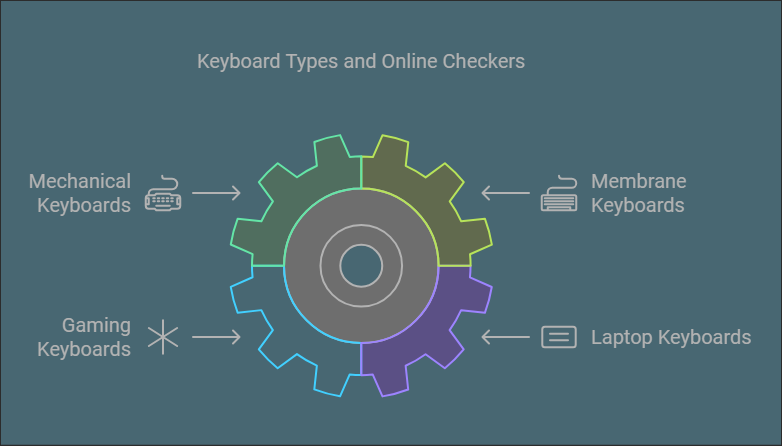
Most online keyboard checkers are versatile enough to work with a wide range of keyboard types and layouts. Here’s a look at some of the most common keyboard types supported:
- Mechanical Keyboards: Mechanical keyboards are known for their tactile feedback and durability. Online keyboard checkers are a great way to ensure that each mechanical switch is working as intended, as well as to test for any stuck or unresponsive keys.
- Membrane Keyboards: These are more common in everyday laptops and affordable desktop setups. While they don’t offer the same tactile feedback as mechanical keyboards, they can still encounter unresponsive or stuck keys, which an online checker can help identify.
- Gaming Keyboards: Gaming keyboards often feature additional keys and higher key rollover rates to prevent ghosting. Online checkers can help gamers ensure that all their keys, including the extra programmable keys, are functioning properly.
- Laptop Keyboards: Laptop keyboards are generally smaller and less durable than their desktop counterparts. Using an online keyboard checker is a good way to test laptop keys, which may be more prone to damage or wear.
Advanced Features in Keyboard Checkers
While most online keyboard checkers focus on basic key functionality, some offer advanced features that can be useful for more in-depth testing or diagnosis:
- Key Response Times: Some checkers provide feedback on the response time of each key, helping you determine if certain keys are registering slower than others. This is particularly useful for gamers who require ultra-fast key response times.
- Scan Codes and Keycodes: For developers or advanced users, certain keyboard checkers will display the scan codes or keycodes generated by each key press. This information can be helpful when debugging issues related to software or firmware.
- Multiple Layouts: Many online checkers support different keyboard layouts, such as QWERTY, AZERTY, and Dvorak, ensuring that users can test their specific keyboard setup accurately.
- Multi-Platform Compatibility: Whether you’re using Windows, macOS, or Linux, most online keyboard checkers are platform-independent, allowing you to test your keyboard regardless of the operating system.
Final Suggestions
Online keyboard checkers are a convenient way to ensure your keyboard is in top condition. They’re free, easy to use, and compatible with different types of keyboards. Whether you’re troubleshooting issues or just verifying functionality, these tools can save you time and effort.
Regularly testing your keyboard ensures you stay ahead of any potential problems that could affect your typing experience.